NewVersion 1.0.0 is out

Build games,not engines.

Everything between your idea and a shipped game is already here.
Write C++ that reloads like a script, runs like native code, and ships with one command.

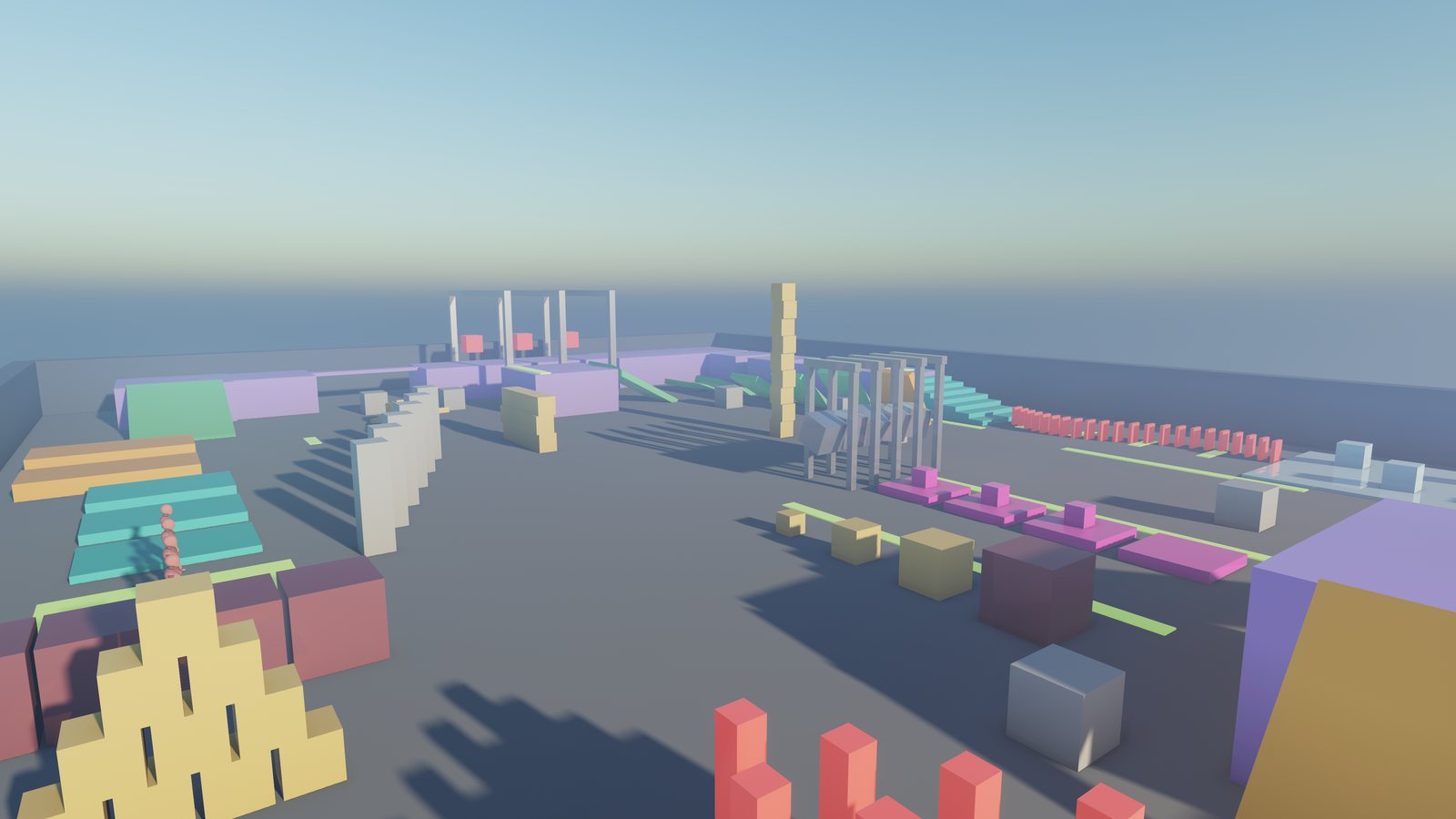
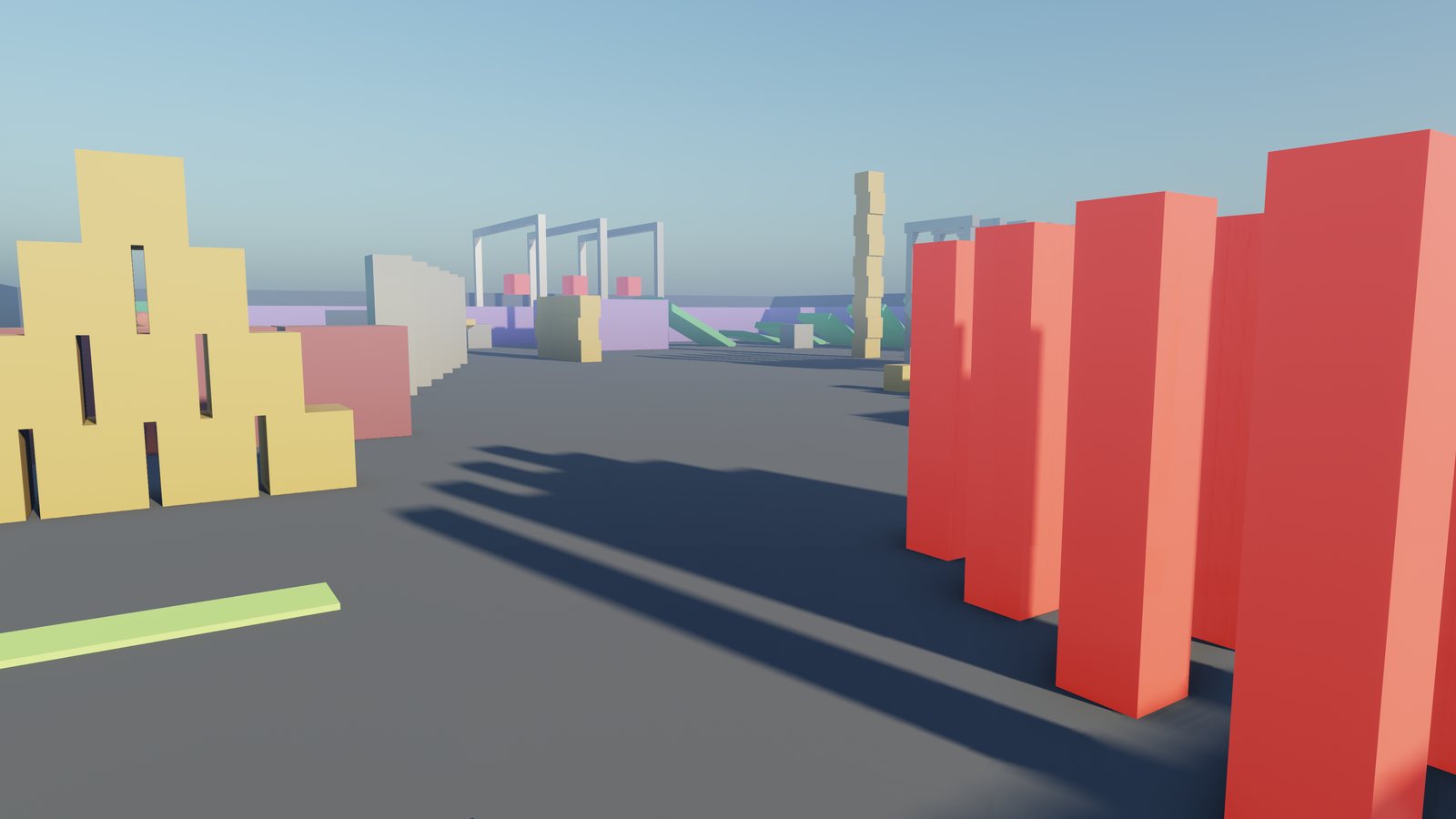
Recorded in the physics lab - in-engine footage.

Your game, your moduleGameplay is C++ in its own module, hot-reloaded while the editor stays open.
Online from day oneServer-authoritative netcode with prediction and rollback, on physics that replays to the bit.
Ship in one commandvkm package builds, cooks and hands you a game folder to send out.
Windows & LinuxOne OpenGL 4.3 renderer, built and tested on both for every release.
Features

Everything a game needs,
nothing it does not.

game.cppPlaying
void Wave::onStart() {
    MaterialAsset paint;
    paint.albedo = {0.25f, 0.55f, 1.0f, 1.0f};
    // ... a field of cubes
}

void Wave::onUpdate(float dt) {
    m_time += dt;
    for (const EntityId block : m_cubes) {
        Transform& at = scene().get<Transform>(block);
        const float x = at.position.x, z = at.position.z;
        at.position.y = 0.4f * std::sin(
            std::sqrt(x * x + z * z) * 1.5f - m_time * 3.0f);
    }
}

Hot reload

Change the C++, rebuild, and Play picks up the new code - the editor never closes.
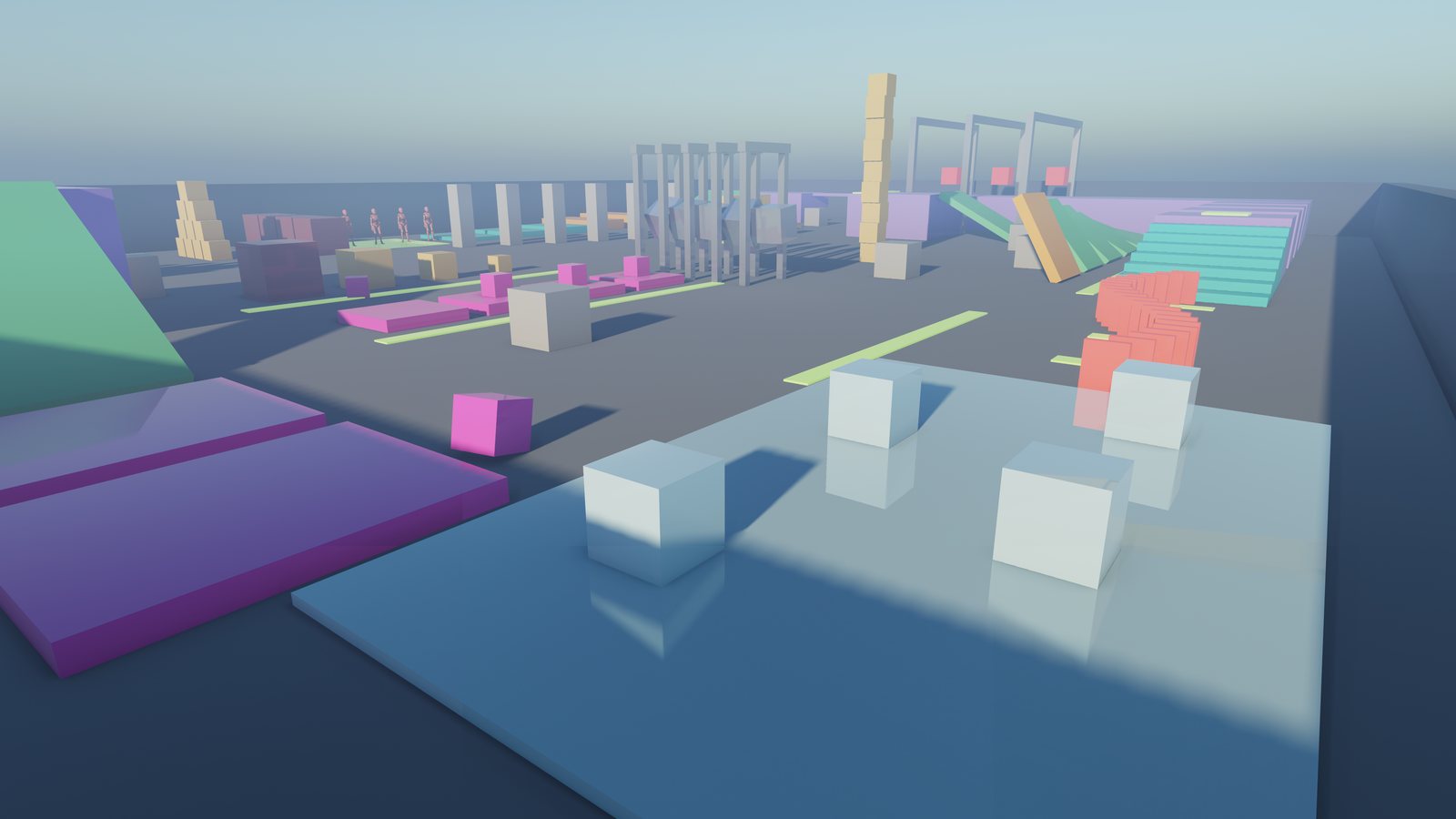
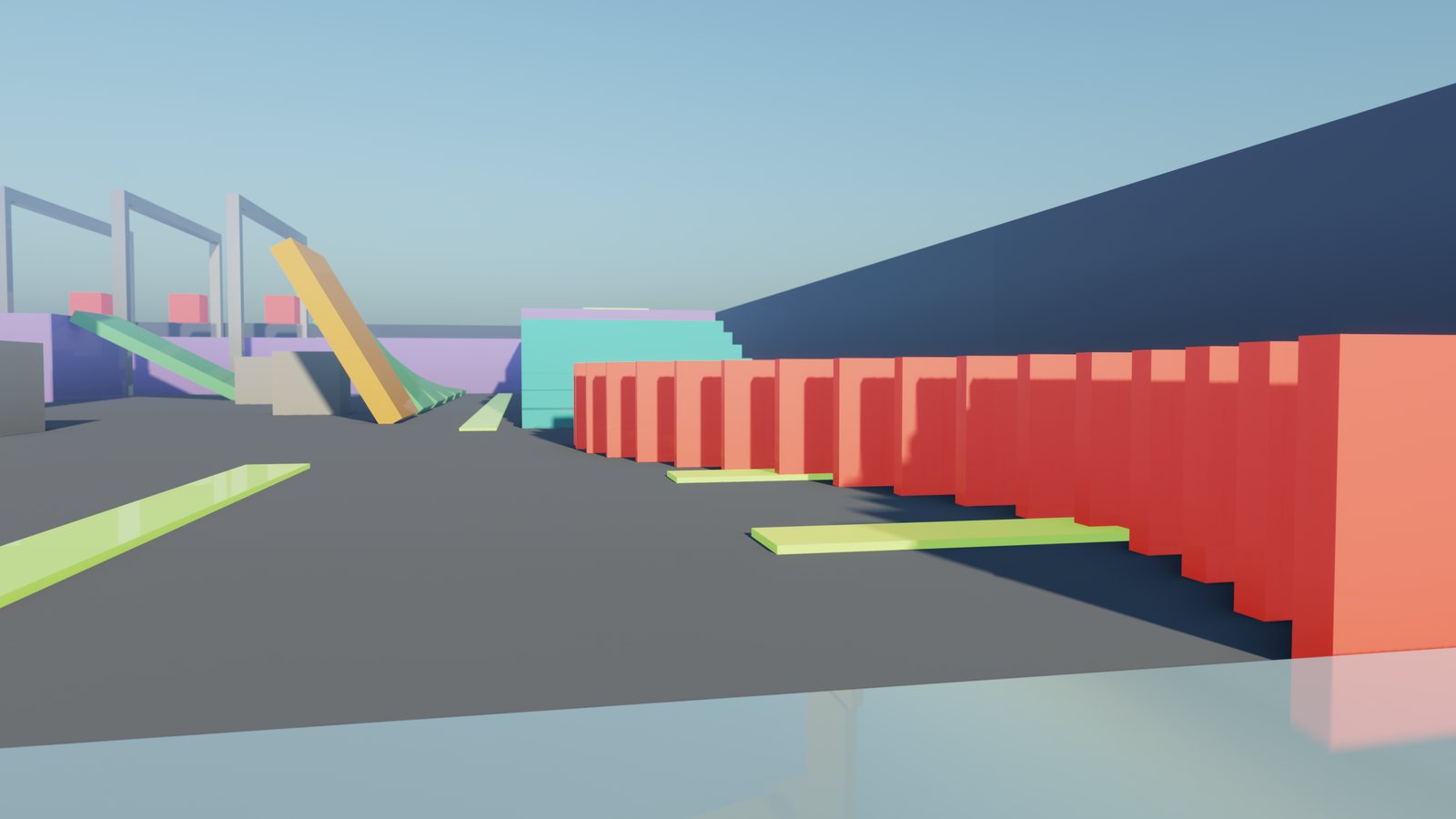
Ice blocks on a reflective ice sheet

Rendering

Clustered lighting, soft shadows, reflections, fog and baked light.

Physics

Rigid bodies, joints and queries, deterministic to the bit.

Characters

Skinned animation, a character controller and ragdolls with muscle.

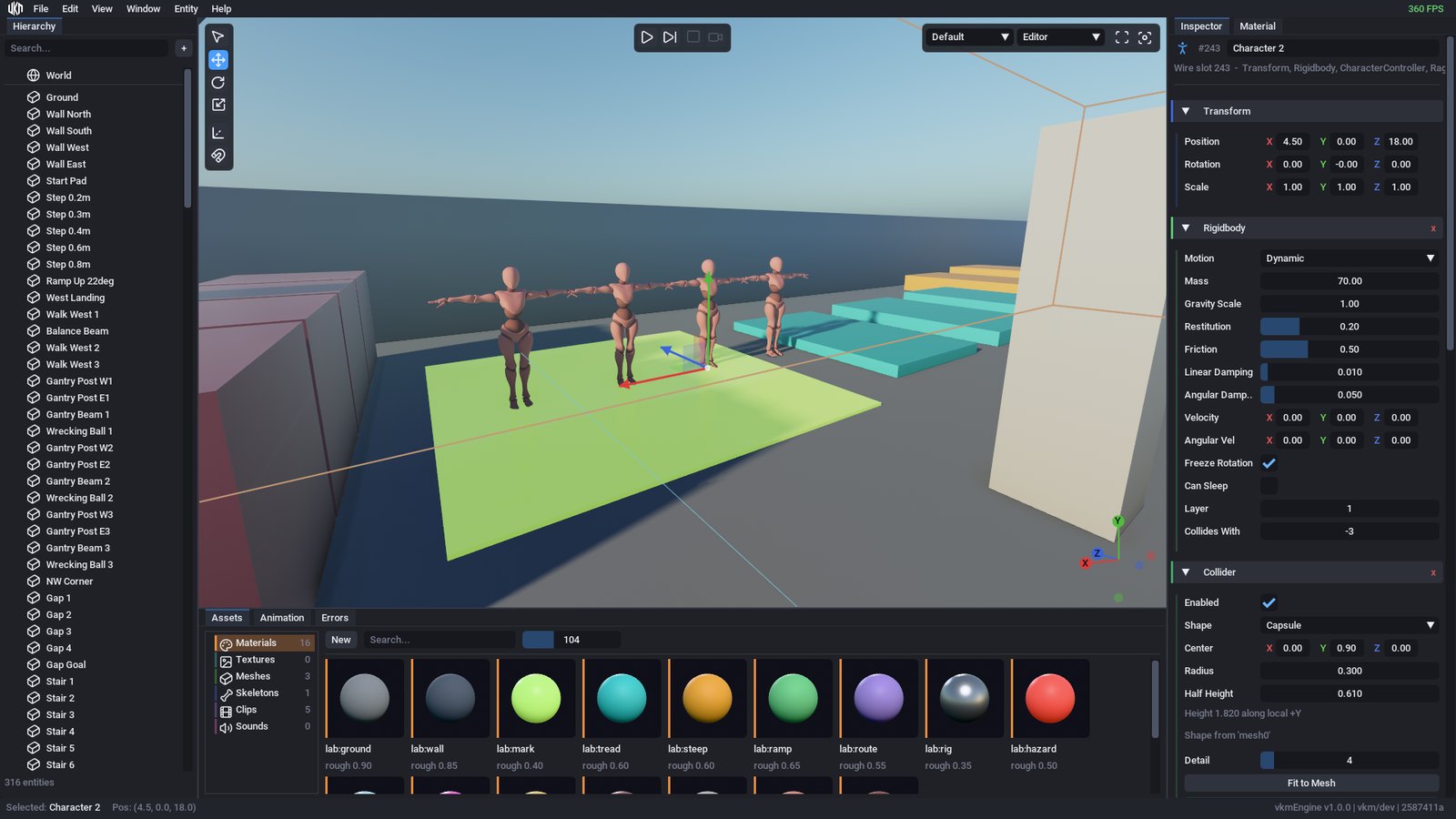
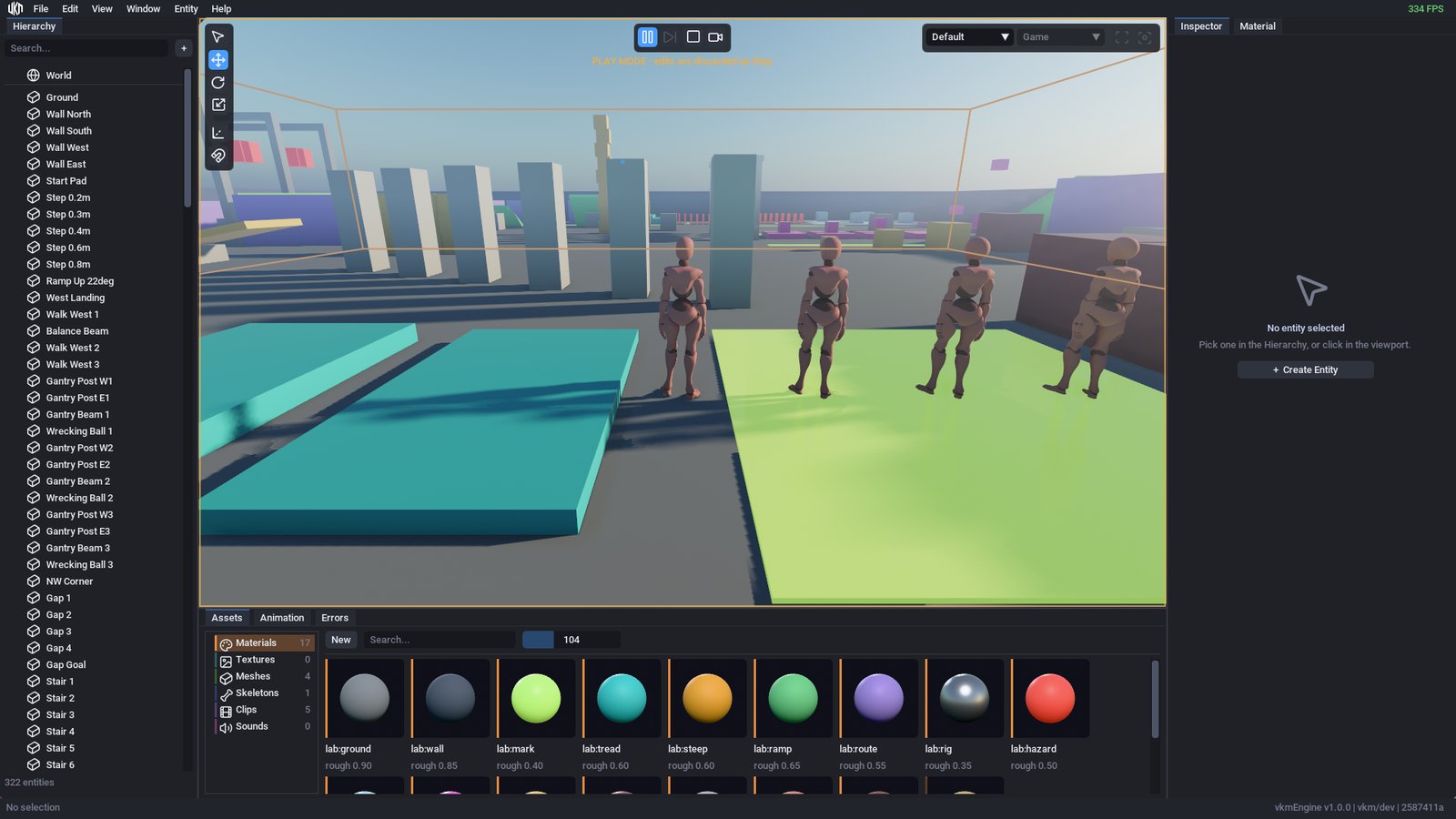
The editor with a character selected

The editor

Gizmos, undo, prefabs and Play mode, in one window.

Gameplay

Plain C++.
The editor does the rest.

A behavior is a class: override the hooks you need, list the fields worth tuning, and register it once.

  • Fields become Inspector controls, saved with the scene - a colour gets a colour picker.
  • Hooks for what happens: start, update, input, collisions and triggers.
  • A sound in one line: an impact is an event, with no entity of its own.
Your first behavior, end to end →
class Crate : public ReflectedBehavior<Crate> {
    public:
        void onStart() override;
        void onUpdate(float dt) override;
        void onCollisionEnter(const Collision& hit) override;

    public:
        float                    pushStrength = 6.0f;
        glm::vec4                glowColor    = {1.0f, 0.6f, 0.2f, 1.0f};
        AssetRef<AudioClipAsset> thud;

    private:
        AudioClipHandle m_thud;
};

// The fields the editor shows and the scene saves.
VKM_REFLECT_BEGIN(::Game::Crate)
    VKM_F(pushStrength)
    VKM_F(glowColor)
    VKM_F(thud)
VKM_REFLECT_END()
void Game::Crate::onStart() {
    input().define("Push", { {InputSource::Key, GLFW_KEY_E, 1.0f} });
    m_thud = resources().find(thud);
}

void Game::Crate::onUpdate(float dt) {
    Rigidbody* body = tryGet<Rigidbody>();
    if (body && input().pressed("Push"))
        body->linearVelocity += Math::WORLD_FORWARD * pushStrength;
}

void Game::Crate::onCollisionEnter(const Collision& hit) {
    events().emit(PlaySoundEvent::at(m_thud, hit.point));
}
Showcase

Three projects ship with it.

Each one is in examples/: open it, play it, take it apart.

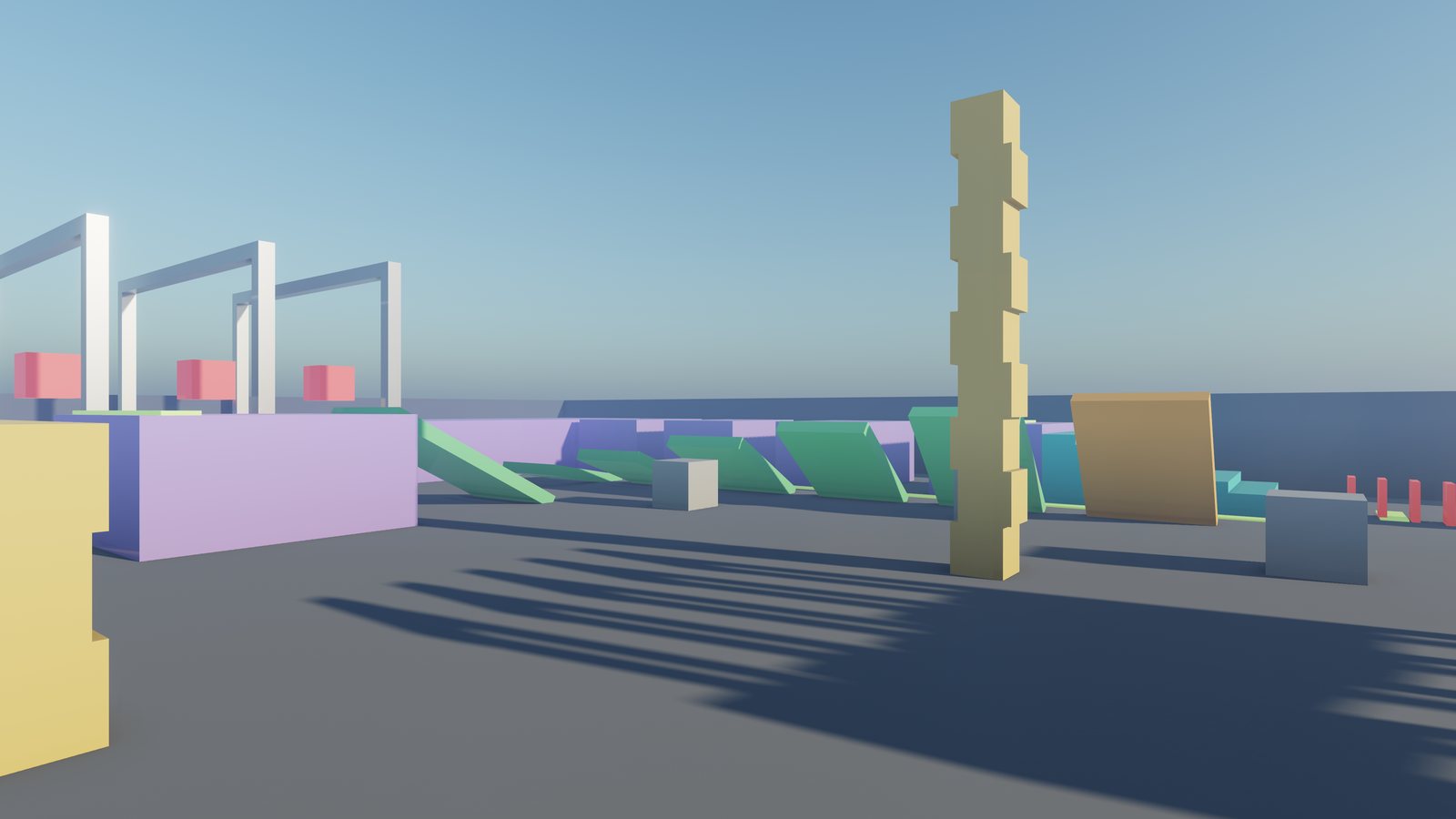
The physics lab

The engine's sandbox and its multiplayer sample: an obstacle course of steps, ramps, ice, dominoes and a Newton's cradle, with characters that walk it - and fall when you throw a crate at them.

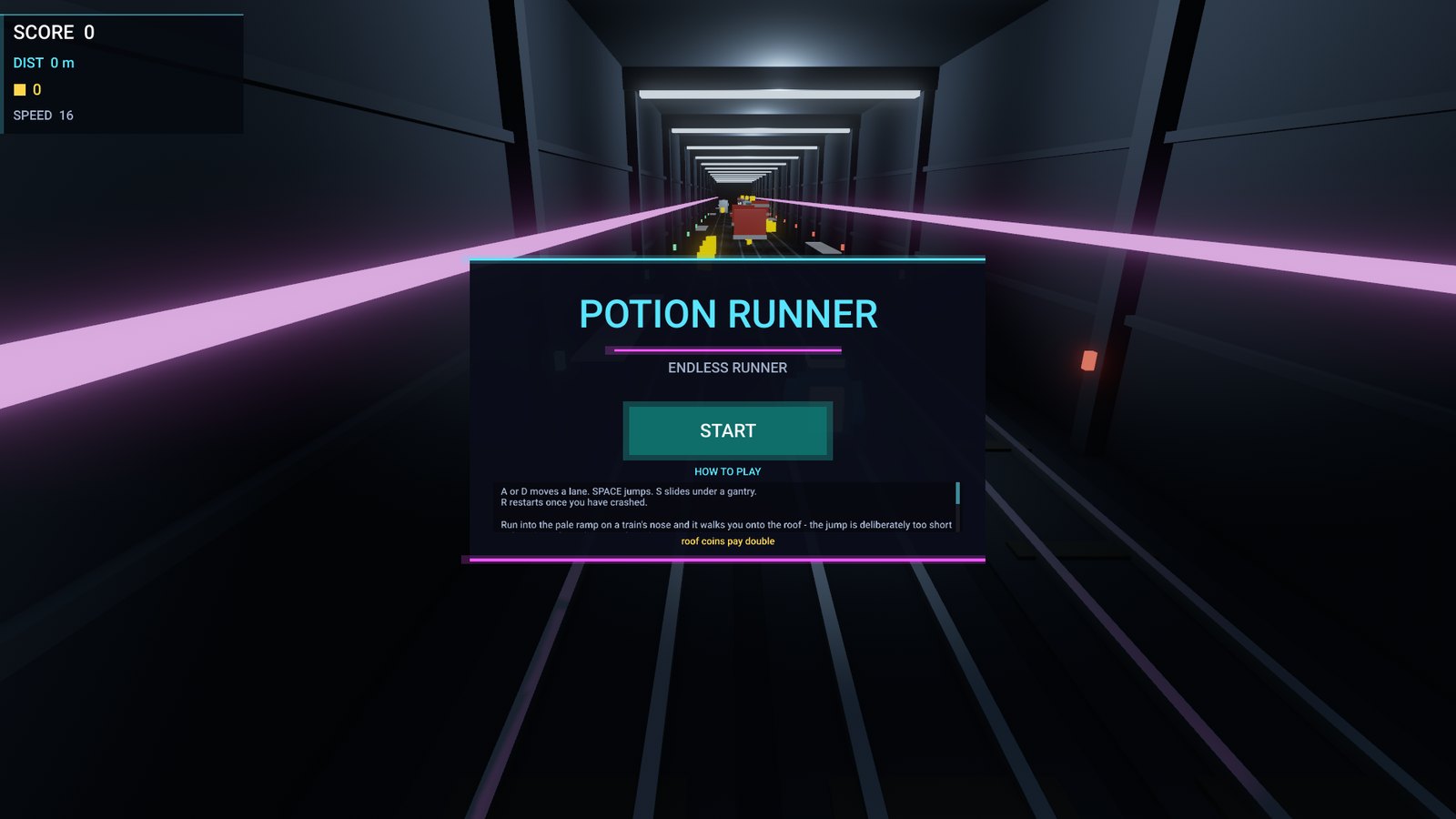
Potion Runner's title screen over a neon tunnel

Potion Runner

An endless runner: three lanes, jumps, slides and trains to land on. Its menu and HUD are the engine's in-game UI.

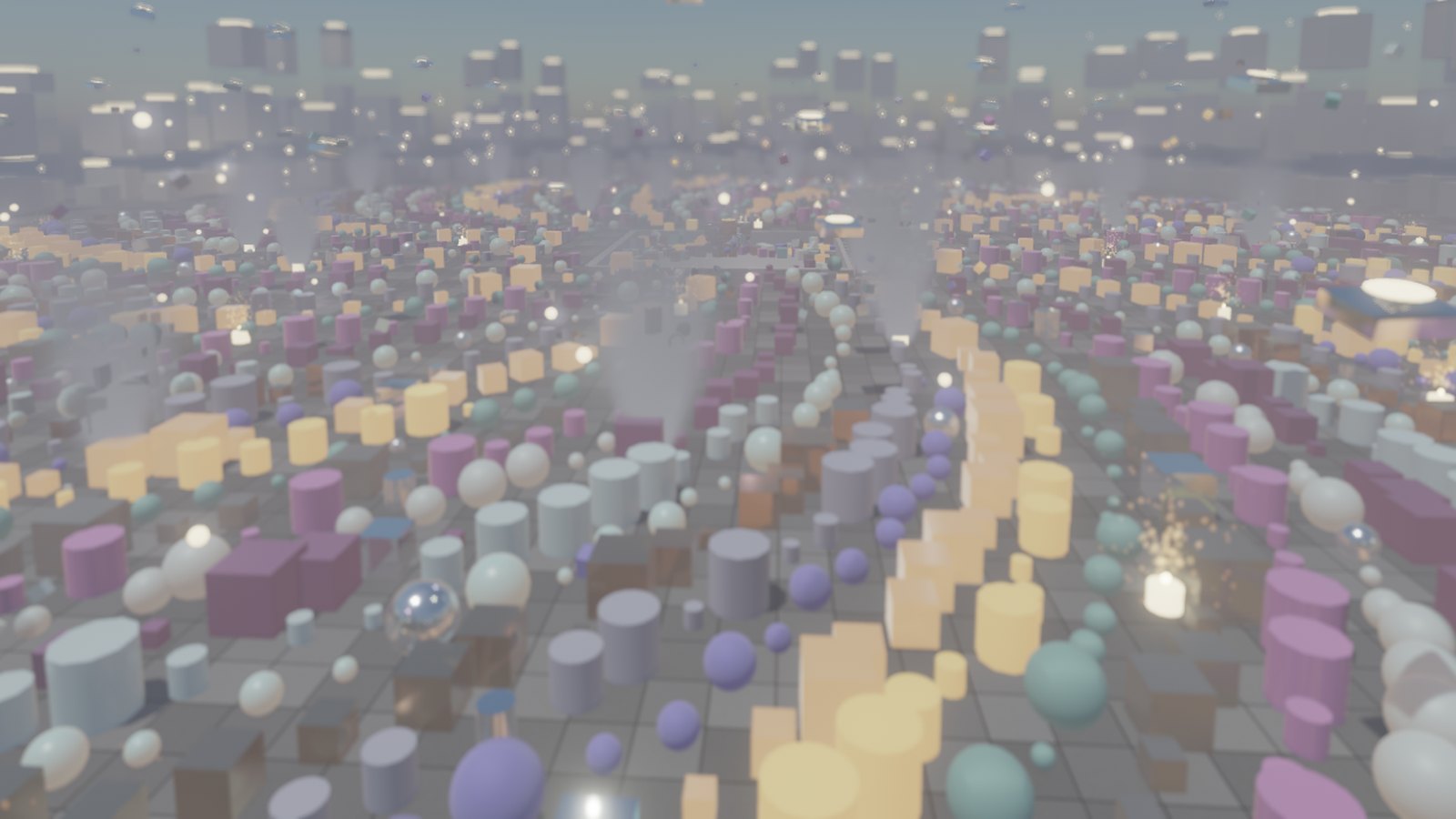
Thousands of props, lights and particles across a foggy arena

Stress Arena

Over 6,000 entities: 4,000 props, 221 lights, 1,500 animated and 220 physics bodies. The scene the renderer is profiled against.

Download

Start building today.

Free to use and to sell games with. One line installs it - no administrator, nothing else to set up.

Linux

x86-64 SDK

The engine, editor and vkm, in your app menu. It brings its own compiler, CMake and Python, so your game builds with exactly what the engine was built with.

curl -fsSL https://github.com/V-KMilev/vkmEngine/releases/latest/download/install.sh | sh
or download the archive

Windows

x86-64 SDK

The engine, editor and vkm, in your Start Menu and Apps & features. It brings its own compiler, CMake and Python - no MSYS2, no Visual Studio. In PowerShell:

irm https://github.com/V-KMilev/vkmEngine/releases/latest/download/install.ps1 | iex
or download the archive
  1. 1

    Create

    vkm new mygame
  2. 2

    Play

    cd mygame && vkm run
  3. 3

    Ship

    vkm package

Or start from an example: vkm new lab -t physics_lab. Working on the engine itself? Build it from source · All releases →

License

Free to build with.
Yours to sell.

vkmEngine is source-available under its own license, the vkmEngine License. In plain words:

Read the full license →
Can I make and sell a game with it?

Yes. Free, commercial or not, with no fee, no royalty and no revenue share.

Do I have to publish my game's code?

No. Your gameplay code, scenes and art are yours, under whatever terms you choose.

Can I change the engine?

Yes, for your own games. Your changes ship inside your game, compiled, like the rest of the engine.

Can I share my changes?

Yes - contribute them to the official repository, or keep them in a fork of it on GitHub. That is the only place a changed engine may live.

What is not allowed?

Publishing or selling the engine's source, or a changed engine, anywhere else - and offering it as an engine, editor or toolkit of your own.

What do I ship with my game?

The license text, beside the engine's libraries. vkm package puts it in every game folder for you, as LICENSE-vkmEngine.txt.

A summary, not legal advice: the license text is what applies.